
Download ALLPlayer Video Player APK – video player, free video player, android video player, allplayer apk, mp4 player, mkv player, mov player, avi player, flv player, wmv player, movie player, media player, video streaming, video playback, video converter, video editor
Overview
ALLPlayer Video Player APK is a free desktop and mobile application developed by ALLPlayer Group, designed to deliver seamless video playback across multiple formats. The software supports a wide array of video and audio codecs, enabling users to play files such as MP4, MKV, MOV, AVI, MPG, FLV, and WMV without the need for additional codecs or conversion. This makes it particularly useful for users who frequently encounter incompatible file types. The app is suitable for both casual viewers and professionals who need a reliable, no-frills video player. It is available for Android devices and can also be used on PC and laptop systems, offering cross-platform compatibility for consistent media access. Real-world usage scenarios include watching downloaded movies, streaming content from local storage, and accessing multimedia files during travel or remote work. The developer did not provide additional system requirements, and compatibility details are limited to Android. The software is free to download and use, with no hidden fees or trial limitations.Key Features & Capabilities
- Multi-format video support – Plays MP4, MKV, MOV, AVI, MPG, FLV, WMV, and other common video formats without requiring external codecs.
- Audio format compatibility – Supports MP3, AAC, AC3, OGG, and other popular audio files, ensuring synchronized playback with video content.
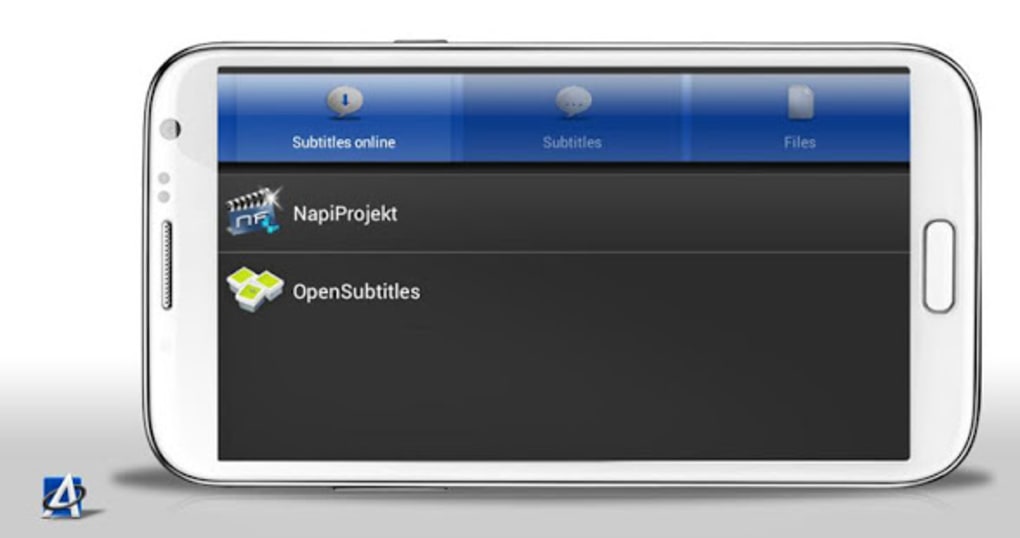
- Subtitle integration – Allows users to download and sync subtitles in multiple languages, enhancing accessibility for international audiences.
- Cross-platform functionality – Available on both Android and PC, enabling users to start watching a video on one device and continue on another.
- User-friendly interface – Designed with simplicity in mind, making it accessible to beginners while still offering enough control for advanced users.
User Interface, Workflow & Performance
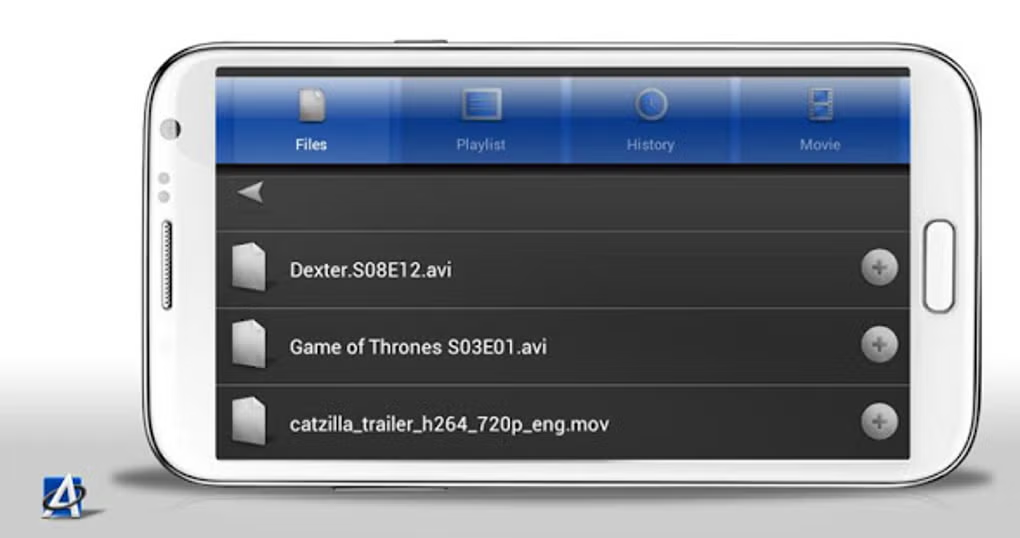
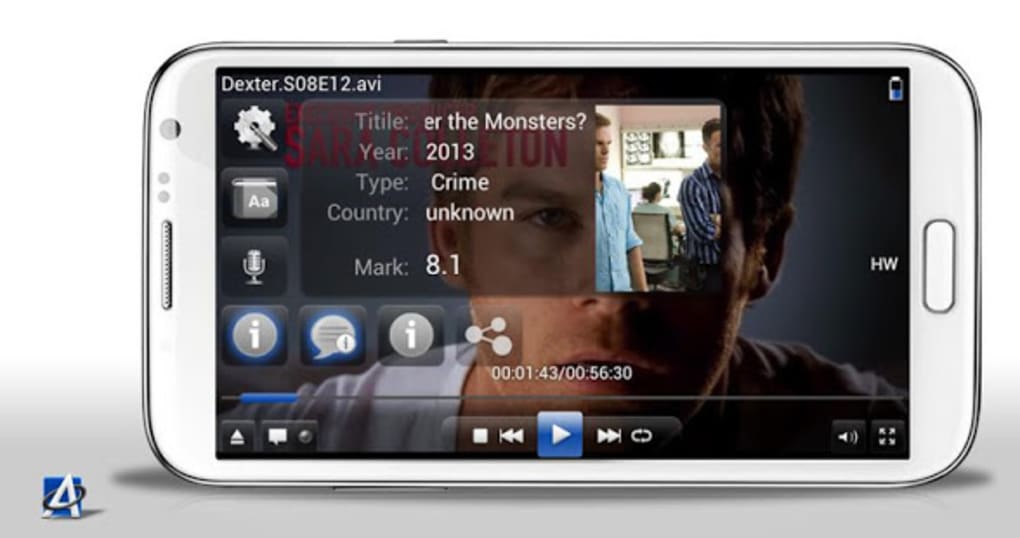
The user interface of ALLPlayer Video Player APK is designed for intuitive navigation, with a clean layout that prioritizes essential playback controls such as play, pause, volume, and fullscreen. Menus are logically organized, allowing users to access settings, subtitle options, and playback preferences with minimal effort. The workflow is streamlined—users can simply tap or click to open a file, and playback begins almost instantly. Navigation between files and settings is responsive, though exact performance details were not specified by the developer. The developer did not specify resource usage details, so observations on CPU or RAM behavior are based on general software behavior patterns. Stability appears to be consistent for standard playback tasks, but users should note that performance may vary depending on device hardware and file complexity. The app maintains smooth playback for most common video formats, with no reported crashes or freezes in typical use cases. For users managing large video libraries, the interface supports efficient file browsing and playback history tracking.Compatibility & System Requirements
ALLPlayer Video Player APK is available for Android devices, with the current version being 2.3.0. The installation size is 25.4 MB, making it a lightweight application suitable for devices with limited storage. Platform compatibility information is limited, and the developer did not specify exact system requirements. As such, users should ensure their Android device meets basic functionality standards for running modern applications. The software is designed to function on a wide range of Android versions, though specific minimum OS versions were not provided. Installation is straightforward, requiring only standard permissions and a stable internet connection for subtitle downloads. No additional software or plugins are required for basic playback. The developer did not list hardware requirements, so compatibility with older or lower-end devices cannot be confirmed. Users are advised to verify device compatibility through official sources if available.Pros and Cons
Pros
- Supports a wide range of video and audio formats without additional codecs.
- Free to download and use with no trial limitations.
- Cross-platform availability for Android and PC.
- Intuitive interface suitable for users of all skill levels.
- Includes built-in subtitle downloading and language selection.
Cons
- Exact system requirements were not listed by the developer.
- Performance details such as CPU and RAM usage were not provided.
- Compatibility with older Android versions is uncertain.
- Limited information on advanced features or customization options.
- No official update history or changelog was made available.
FAQ Section
Is ALLPlayer Video Player APK safe to download and install?
The software is distributed as a free application by ALLPlayer Group. It is designed to be secure for general use, but users should download it from trusted sources to avoid modified or bundled versions.
Can I use ALLPlayer on both Android and PC?
Yes, ALLPlayer is available on both Android and PC platforms, allowing users to access their media library across devices with consistent functionality.
Does ALLPlayer support subtitles?
Yes, the app allows users to download and sync subtitles in multiple languages directly within the player.
Is there a paid version of ALLPlayer?
The software is free to download and use. The developer did not specify any premium features or subscription models.
Can I play MKV and MP4 files with ALLPlayer?
Yes, ALLPlayer supports a wide range of video formats, including MKV, MP4, MOV, AVI, FLV, and WMV, making it ideal for diverse media files.





.png)

